v0.66June 24, 2026
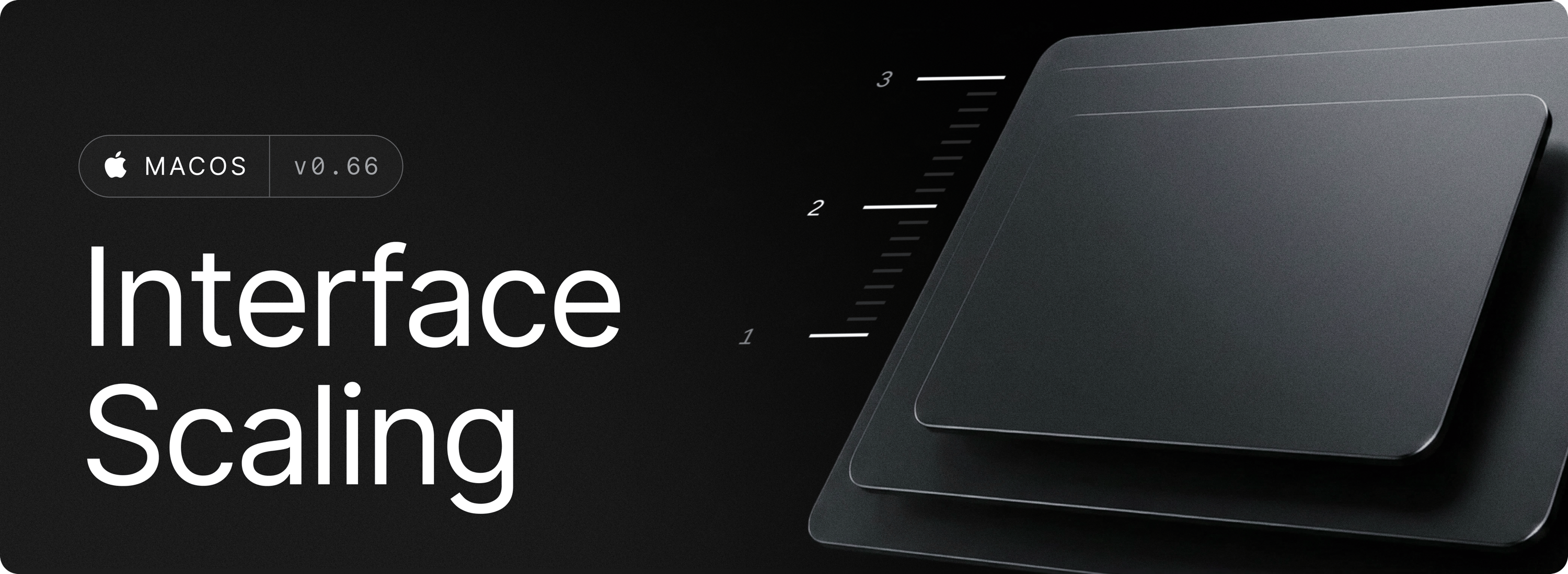
This release introduces a new Interface Size setting which lets you scale Raycast interfaces so you can find a comfortable size on your display. Choose one of three sizes available:
- Default — the standard size
- Large — a bit bigger
- Larger — the biggest option
When you change the size, every Raycast window resizes to match, and all Ul elements scale with it, including text, buttons, and fields.
Note: Interface Size can also affect the content zoom in Notes and Al Chat windows. If a window's content zoom is smaller than the new interface size, it grows to match. And if you scale Raycast back down while the two sizes are equal, they stay in sync. You can of course still customise those content zoom levels separately.
✨ New
- Settings: Added a new Interface Size setting
💎 Improvements
- AI: Show richer error messages when completion fails in certain cases
- AI Chat: Pressing Esc only closes history sidebar when in overlay mode
- Hyper Key: Improved diagnostics when Hyper Key is not working because another process is keeping Secure Input active
- Raycast Focus: Added missing Import Focus Categories command and Export Category action in Search Focus Categories
- UI: Improved performance of hover state in list views
- Root Search: Store and restore latest dropdown argument values
- MCP: Add support for CIMD
🐞 Fixes
- AI: Fix provider icons in the auto model popover wrapping when they shouldn’t
- Applications: Fixed applications not always discovered in sub directories
- Dictation: Fixed occasional crash in the equalizer
- Dictation: Fix Styles hotkey not being cleaned up on deletion
- Dictionary: Fixed blank window for some definitions
- Dictionary: Fixed occasional crash when loading definitions
- File Search: Better handling of mixed Latin and CJK filenames
- Raycast Focus: Fixed “Restore Terminated Apps” not restoring apps after the session ends
- Root Search: Fixed an issue where selection was wrongly preserved after a item stopped being suggested
- Snippets: Fixed expansion mis deleting the keyword in some editors
- Snippets: Fixed the {cursor} placeholder landing in the wrong position in some editors
- Updater: Added privileged daemon process to ease updates for non admin users. If you’re in that case, you’ll be prompted to authorize the daemon in System Settings > Login Items & Extensions > App Background Activity. Once authorized, you can update it manually without entering admin credentials anymore.